이 상품은 선주문 상품이며 선착순으로 배송됩니다. 예상 배송 일정을 확인하려면 제품 홈페이지를 방문해 주세요.
참고: 장바구니에 재고 있는 상품과 선주문 상품이 모두 포함된 경우 선주문 상품이 준비되는 대로 모든 상품이 함께 배송됩니다. 준비된 상품을 더 빨리 받고 싶으시다면 별도로 주문해 주세요.
상세 설명
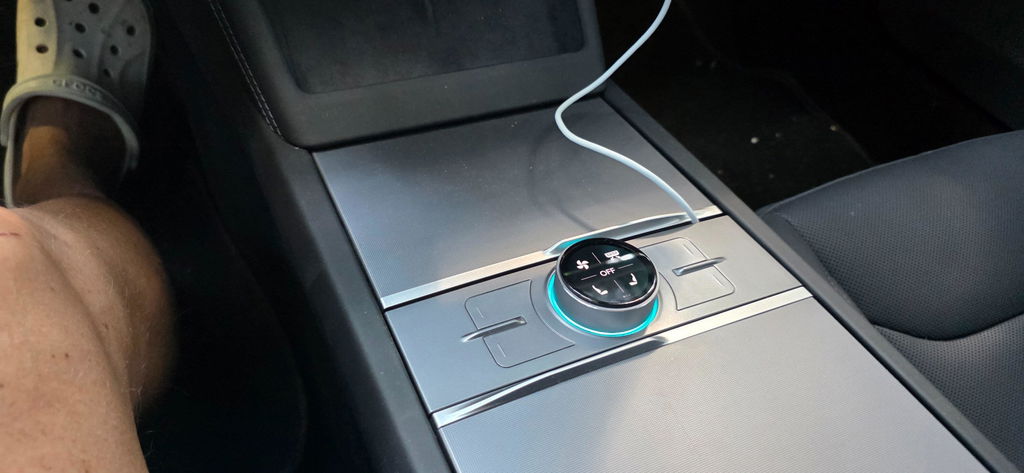
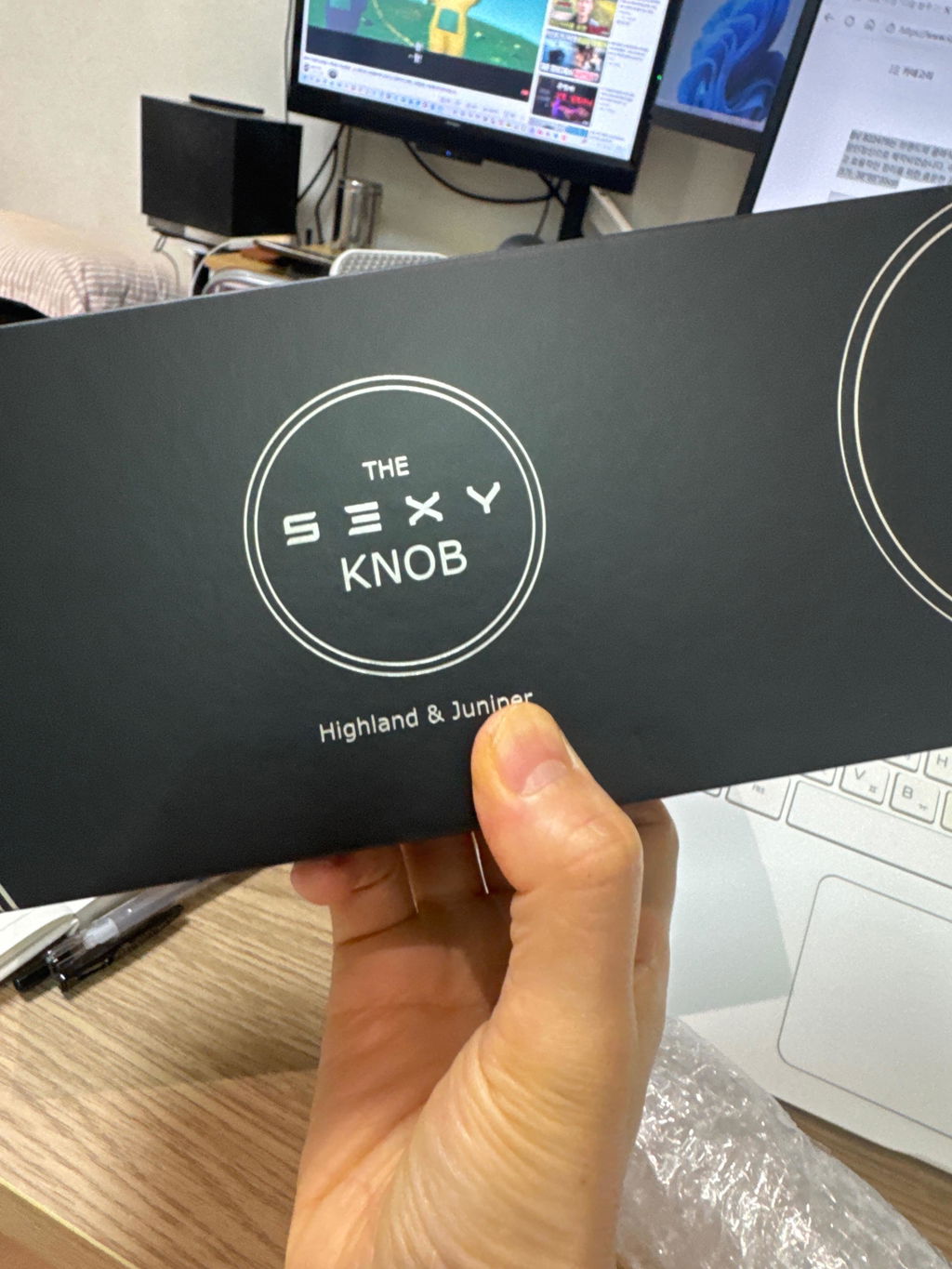
The ultimate bundle of the S3XY Dash, S3XY Knob and the Commander.
63 reviews
S3XY Dash + Knob + Commander
63 reviews
재고 있음
Regular price
€565,25
Sale price
€565,25
Regular price
Unit price
/ per
재고 있음
Model S
2021-2026
Model 3
Without Heat-Pump [2018-2020]
Manufactured from 2018 until late 2020 with a piano-black center console.
2018
Rear Installation
후방 설치 [중앙 콘솔]
장점:
2020년 후반부터 2025년 초반에 생산된 Model 3/Y (Model 3 Highland 제외 차량)의 리어 벤트 아래 리어 OBD 포트에 장착됩니다.
플라스틱 부품 하나만 분해하면 되며, 설치 시간은 약 1분 정도 걸립니다.
단점:
블라인드 스팟 모니터링, 자동조향 페널티 방지, ISA 시스템 음소거 등 프론트 설치를 통해서만 이용 가능한 기능에 대한 접근을 제공하지 않습니다.
*2023년 6월부터 2025년 1월 사이에 생산된 최신 Model Y 차량(주니퍼 제외 모델)의 경우, 자동차가 왼손 운전 차량인지 오른손 운전 차량인지에 관계없리 차량 후방 OBD 포트가 중앙 콘솔 뒤쪽에서 중앙 콘솔 전방 좌측으로 이동할 수 있습니다. 유튜브 채널에서 설치 영상을 확인하세요.
MCU Installation
MCU Installation [Under the Glovebox]
Pros:
Provides access to all features and automations available for Model 3 vehicles without a heat pump. In contrast, the rear (center console) installation does not provide access to CAN2 signals, which are required for blind-spot detection and speed limit sign recognition.
Cons:
Requires removing additional vehicle components and disconnecting the MCU connector, which is positioned at an awkward angle. However, the installation can be completed successfully by carefully following the installation guide.
A step-by-step tutorial showing how to access the MCU port on left-hand-drive (LHD) Model 3 vehicles built between 2018 and 2020 (without a heat pump). If your Model 3 is right-hand-drive (RHD), the procedure is identical, but the components are located on the left side of the vehicle.
2019-2020
MCU Installation
MCU Installation [Under the Glovebox]
Pros:
Provides access to all features and automations available for Model 3 vehicles without a heat pump. In contrast, the rear (center console) installation does not provide access to CAN2 signals, which are required for blind-spot detection and speed limit sign recognition.
Cons:
Requires removing additional vehicle components and disconnecting the MCU connector, which is positioned at an awkward angle. However, the installation can be completed successfully by carefully following the installation guide.
A step-by-step tutorial showing how to access the MCU port on left-hand-drive (LHD) Model 3 vehicles built between 2018 and 2020 (without a heat pump). If your Model 3 is right-hand-drive (RHD), the procedure is identical, but the components are located on the left side of the vehicle.
Pre-Facelift [With Heat-Pump]
Manufactured from early 2021 until late 2023 before turning into the Highland.
Facelift / Highland [Premium]
Manufactured from late 2023 onward, with leather seats and an RGB strip.
Model 3 Standard [Fabric Seats]
Manufactured after October 2025 without leather seats and no RGB strip.
Model X
2021-2026
Model Y
Pre-Facelift [With Heat-Pump]
Manufactured from early 2021 until early 2025 before turning into the Juniper.
Facelift / Juniper [Premium]
Manufactured since early 2025, featuring leather seats and an RGB strip (NOT Long Wheelbase).
Fremont & Texas
Built before Nov 13, 2025
Built after Nov 12, 2025
Berlin, Germany
Built before Mar 31, 2026
Built after Mar 30, 2026
Shanghai, China
Built before April 25, 2026
Built after April 24, 2026
Model Y Standard [Fabric Seats]
Manufactured after October 2025 without leather seats and no RGB strip.
Fremont & Texas
Berlin, Germany
Built before May 01, 2026
Built after April 30, 2026
Shanghai, China
6-Seater YL [YYY]
Manufactured from mid 2025 onward, also known as Long Base (NOT Juniper Premium).
Fremont & Texas
Shanghai, China
Built before April 25, 2026
Built after April 24, 2026
How to find where your car was made?
1. Where was it built?
The first 3 characters of your Tesla’s VIN show which factory built the car.
5YJ - Fremont, USA
7SA - Austin, USA
LRW - Shanghai, China
XP7 - Berlin, Germany
2. When was it produced?
To find the exact production date, check the original Tesla Certificate of Conformity, which comes with the car. The production date is listed in that document.
3. VIN Checker
You can also check the production date by entering your VIN number into our VIN checker: Check Your VIN
VIN checker results are for reference only and may differ from official vehicle documents.
How to find where your car was made?
1. Where was it built?
The first 3 characters of your Tesla’s VIN show which factory built the car.
5YJ - Fremont, USA
7SA - Austin, USA
LRW - Shanghai, China
XP7 - Berlin, Germany
2. When was it produced?
To find the exact production date, check the original Tesla Certificate of Conformity, which comes with the car. The production date is listed in that document.
3. VIN Checker
You can also check the production date by entering your VIN number into our VIN checker: Check Your VIN
VIN checker results are for reference only and may differ from official vehicle documents.
How to find where your car was made?
1. Where was it built?
The first 3 characters of your Tesla’s VIN show which factory built the car.
5YJ - Fremont, USA
7SA - Austin, USA
LRW - Shanghai, China
XP7 - Berlin, Germany
2. When was it produced?
To find the exact production date, check the original Tesla Certificate of Conformity, which comes with the car. The production date is listed in that document.
3. VIN Checker
You can also check the production date by entering your VIN number into our VIN checker: Check Your VIN
VIN checker results are for reference only and may differ from official vehicle documents.
How to find where your car was made?
1. Where was it built?
The first 3 characters of your Tesla’s VIN show which factory built the car.
5YJ - Fremont, USA
7SA - Austin, USA
LRW - Shanghai, China
XP7 - Berlin, Germany
2. When was it produced?
To find the exact production date, check the original Tesla Certificate of Conformity, which comes with the car. The production date is listed in that document.
3. VIN Checker
You can also check the production date by entering your VIN number into our VIN checker: Check Your VIN
VIN checker results are for reference only and may differ from official vehicle documents.
How to find where your car was made?
1. Where was it built?
The first 3 characters of your Tesla’s VIN show which factory built the car.
5YJ - Fremont, USA
7SA - Austin, USA
LRW - Shanghai, China
XP7 - Berlin, Germany
2. When was it produced?
To find the exact production date, check the original Tesla Certificate of Conformity, which comes with the car. The production date is listed in that document.
3. VIN Checker
You can also check the production date by entering your VIN number into our VIN checker: Check Your VIN
VIN checker results are for reference only and may differ from official vehicle documents.
How to find where your car was made?
1. Where was it built?
The first 3 characters of your Tesla’s VIN show which factory built the car.
5YJ - Fremont, USA
7SA - Austin, USA
LRW - Shanghai, China
XP7 - Berlin, Germany
2. When was it produced?
To find the exact production date, check the original Tesla Certificate of Conformity, which comes with the car. The production date is listed in that document.
3. VIN Checker
You can also check the production date by entering your VIN number into our VIN checker: Check Your VIN
VIN checker results are for reference only and may differ from official vehicle documents.
How to find where your car was made?
1. Where was it built?
The first 3 characters of your Tesla’s VIN show which factory built the car.
5YJ - Fremont, USA
7SA - Austin, USA
LRW - Shanghai, China
XP7 - Berlin, Germany
2. When was it produced?
To find the exact production date, check the original Tesla Certificate of Conformity, which comes with the car. The production date is listed in that document.
3. VIN Checker
You can also check the production date by entering your VIN number into our VIN checker: Check Your VIN
VIN checker results are for reference only and may differ from official vehicle documents.
How to find where your car was made?
1. Where was it built?
The first 3 characters of your Tesla’s VIN show which factory built the car.
5YJ - Fremont, USA
7SA - Austin, USA
LRW - Shanghai, China
XP7 - Berlin, Germany
2. When was it produced?
To find the exact production date, check the original Tesla Certificate of Conformity, which comes with the car. The production date is listed in that document.
3. VIN Checker
You can also check the production date by entering your VIN number into our VIN checker: Check Your VIN
VIN checker results are for reference only and may differ from official vehicle documents.
Choose SelectionSelectOut Of StockChangeChoose your optionsAdd to Cart지금 선주문하세요Sold OutNot available
€250 이상 주문 시 표준 배송 무료, 배송 기간은 5~10 영업일입니다
상품을 수령하신 날로부터 14일 이내에 반환하실 수 있습니다
상세 설명
The ultimate bundle of the S3XY Dash, S3XY Knob and the Commander.
Installé derrière le volant, les vidéos tuto m'ont vraiment aidé.
L'écran est très beau et réactif, il permet une personnalisation très poussée.
J'ai mis 4 étoiles seulement car on ne peut pas récupérer des infos telles que les trips kilométriques (alors qu'on a un tas de stats sur les températures ou les puissances... Pas forcément utiles à mon avis). De même certains toggles ne fonctionnent pas ou sont difficilement compréhensibles (comme les 3 sur les rétroviseurs). Un manuel serait le bienvenu.
Je recommande cet écran en espérant des mises à jour pour améliorer encore l'expérience.
C
Clipson
Happy ,....
Veryy happy with the performance of the dash.
Fast abdij good stable connecting.
Only downside is that the sound is way and I do meaning way to quiet.
The sound is just not loud enouf. Android auto notifications are like a mouse.
You can set the sound to phone. but Not happy with that option.
Have not found a way to play the sound on the Tesla audio. And i hope this i availiblr or there working on this.
Overall verry happy and recomand buying if you want a dash. The team is always improving there lineup.
T
Thierry BOURNAILLIÉ
Très prometteur, mais à fignoler !
J’ai opté pour la 2ème installation derrière le volant et c’est parfait 👍🏻 Il y a quelques bugs sur l’affichage qui vont être corrigés avec les mises à jour, mais dans l’ensemble je suis très satisfait 👍🏻 Par contre, comme j’ai l’abonnement Premium Tesla et que je veux garder mes applications de musique sur l’écran principal, je ne sélectionne donc pas le Bluetooth sur la voiture. Je suis donc obligé de mettre la sortie son du SEXY Dash sur lui-même sinon je n’entends rien. Malheureusement dans ce cas, le son est mal audible et n’est vraiment pas fort, même volume à fond sur 10 😢 Ça sera peut-être corrigé à l’avenir ?… Merci aussi de penser à créer un protège écran mat, afin d’éviter une partie des reflets.
P
Peter H
Superb addition to any Tesla
Just installed the dash and I have to admit: it even surpassed my expectations! Very solid product, looks amazing and very easy to install in my M3 Highland. I’ve installed it behind the steering wheel and had to remove the upper dashboard strip. The instruction video helped a lot and it was much easier than expected. A highly recommended item for your Tesla!