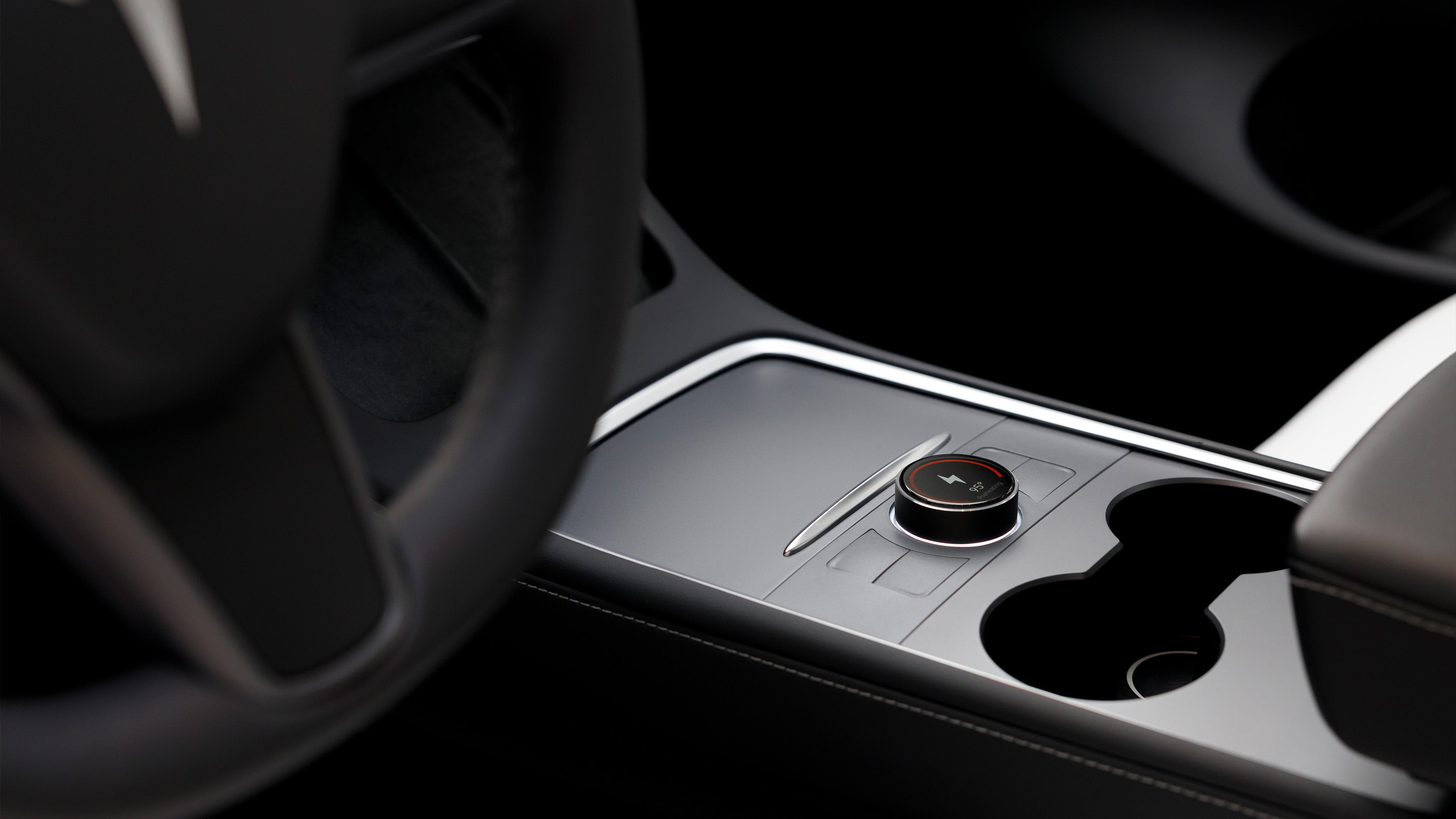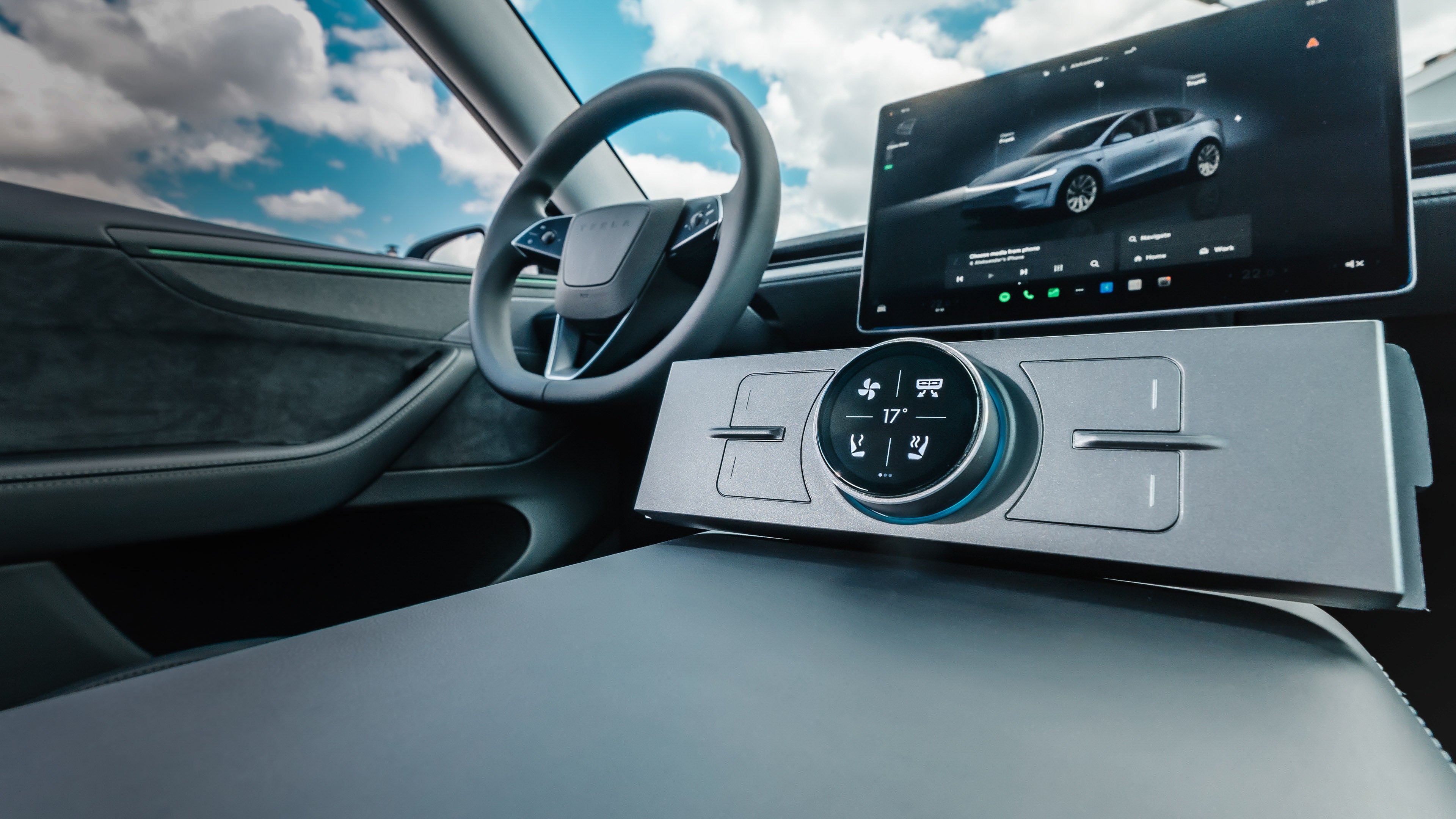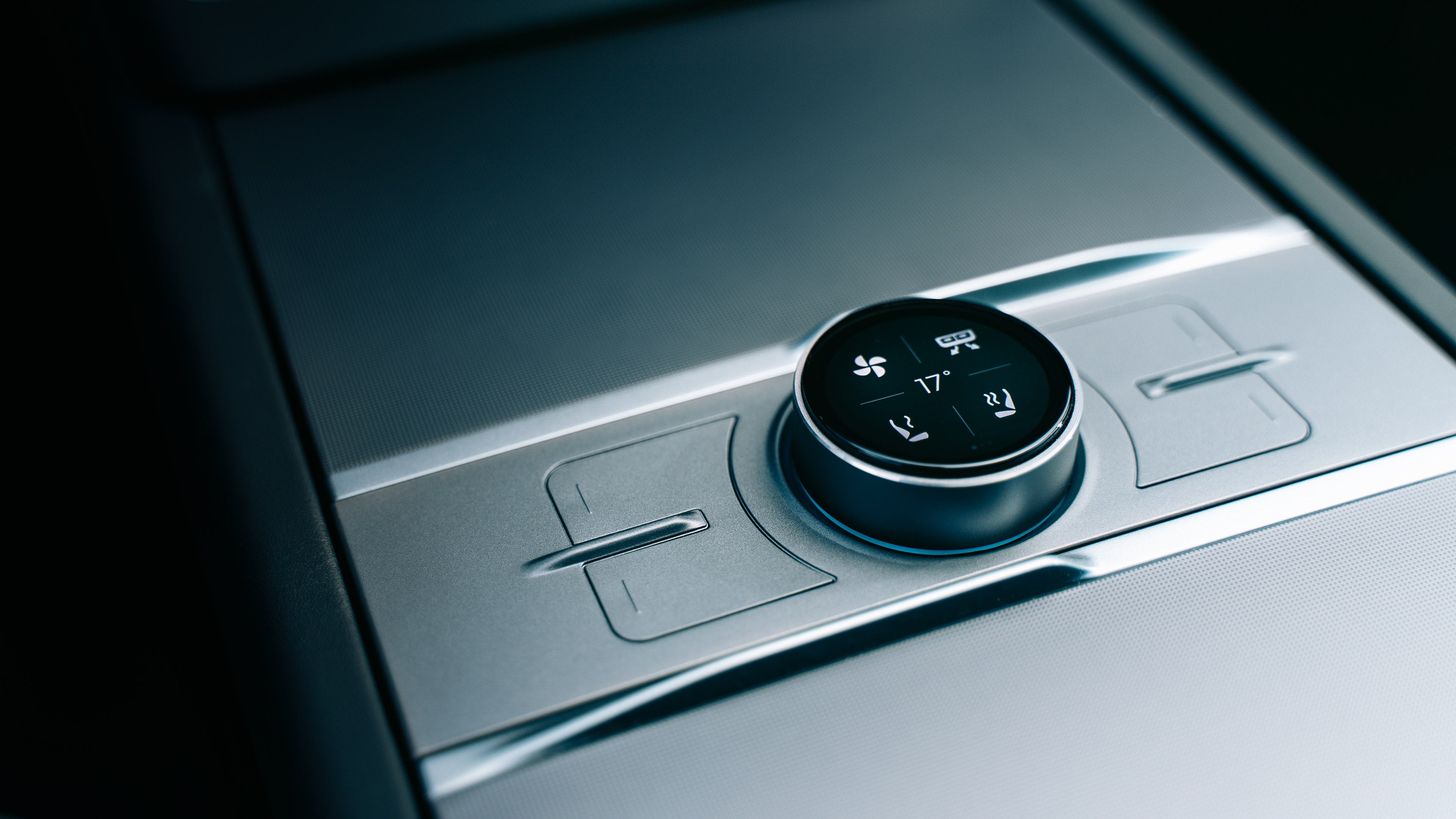
Video Reviews

If you want to see the S3XY Knob in action, checkout the videos our comunity has made:
enhance-auto
enhance-auto
enhance-auto
enhance-auto
enhance-auto
enhance-auto
enhance-auto
enhance-auto
enhance-auto
enhance-auto
enhance-auto
enhance-auto
enhance-auto
enhance-auto
enhance-auto
enhance-auto
enhance-auto
enhance-auto
enhance-auto
enhance-auto
enhance-auto
Video thumbnail
Specifications
enhance-auto
Dimensions: L 190mm W 56mm H 36mm (incl. the knob)
enhance-auto
Custom encryption
enhance-auto
Bluetooth 5.0
enhance-auto
USB-C
enhance-auto
Low energy mode
enhance-auto

Cutout file for custom wraps: link

enhance-auto
Dimensions: L 190mm W 56mm H 36mm (incl. the knob)
enhance-auto
Bluetooth 5.0
enhance-auto
Low energy mode
enhance-auto
Custom encryption
enhance-auto
USB-C
enhance-auto

Cutout file for custom wraps: link

* FCC, CE, R [pending]
enhance-auto
enhance-auto
Available Features
Over the past two years, we’ve added 60+ new actions for all S3XY Knob owners, with more coming via free OTA updates.
enhance-auto
69°
Cabin Temperature
enhance-auto
42
Autopilot
enhance-auto
115°
Preheating
enhance-auto
1.5
Wipers
enhance-auto
75%
Regen
Setup Ideas
Here are some of the most used setups that our users have, but you can create your own with a few clicks.
enhance-auto Open Frunk
enhance-auto Open Trunk
enhance-auto
Glovebox
enhance-auto Front Left Door
enhance-auto Chill
enhance-auto Regen
enhance-auto Left Seat Heat
enhance-auto
Battery Preheating
enhance-auto Wipers
enhance-auto Right Seat Heat
enhance-auto Fan Speed
enhance-auto Bioweapon Defense Mode
enhance-auto
Temperature
enhance-auto Open Front Right Door
enhance-auto Dog Mode
Easy to install
Stay updated on your order’s expected delivery date based on your purchase period:
1
Plug the Commander
2
Install the S3XY App
3
Assign an action
Video thumbnail
Installation Guide
Knob 2021-2024
  • Fits inside the central console
  • Powers via the USB-C
  • Receives free OTA updates
Video thumbnail
Knob 2024-2026 [Highland & Juniper]
  • Fits inside the central console
  • Powers via the 12V port
  • Receives free OTA updates
Video thumbnail
OTA Updates
  • We regularly push updates to all users, adding new features and improving performance.
  • Suggestions from our community that receive the most votes are implemented.
  • We also publish full update walkthroughs on our YouTube channel, like this one:
Video thumbnail

Ongoing Issues

  1. Dash ↔ S3XY App Connection - The connection between the Dash and the S3XY app has been temporarily disabled.
  2. Dash Connectivity After Shutdown - Bluetooth and WiFi on the Dash may remain active after the car is turned off.
    This can keep CarPlay and Android Auto running.
  3. Knob Control for Dash - The Knob cannot control the Dash at the moment.
    This functionality is already on our roadmap.
  4. Dash Deliveries - Deliveries will resume soon. Please make sure you are subscribed to our newsletter for the latest updates.
  5. Dash Connectivity Issues - We are actively investigating connectivity-related issues and working on fixes that will be released soon.

Contact Us

Please review the list of issues we are currently working on above. If your concern is already listed, there is no need to create a support ticket, as we are actively working on resolving it.