




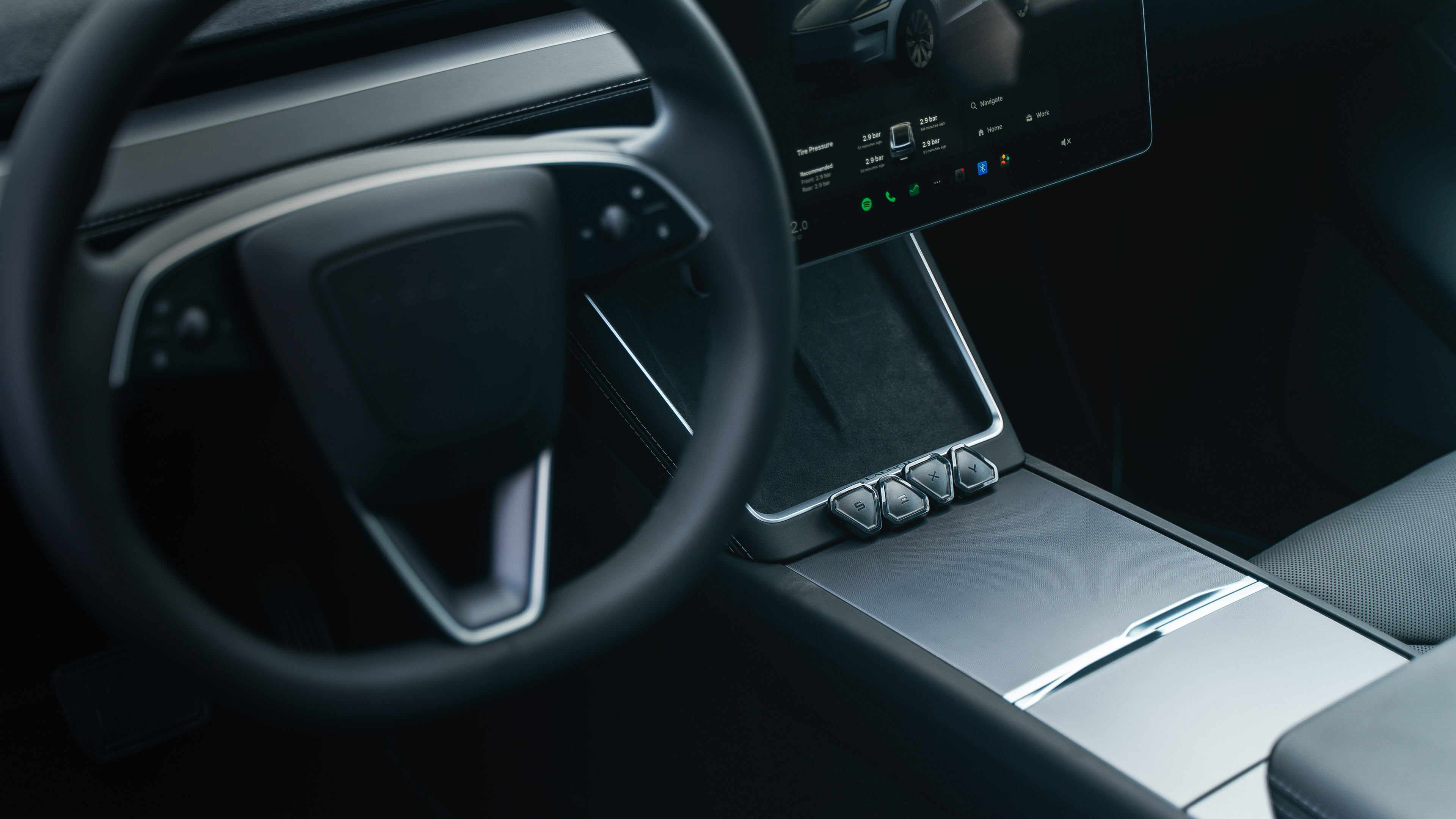

Video Reviews
See how members of our community use their buttons and what they think about them.


Specifications


Community-Built
Our Gen 2 unit was inspired by the feedback received from thousands of daily users.

Gen 1

Gen 2
Most Used Shortcuts
Our buttons support over 130 different actions, depending on your Tesla model. Check them out below.

Open Glovebox

Drive Mode Acceleration *

Regenerative Braking *

Unlock Charge Port

Open Trunk

Fold Mirrors

Open Frunk

Interior Lights

Headlights On

Activate Autopilot

Battery Preheating

Control Wipers
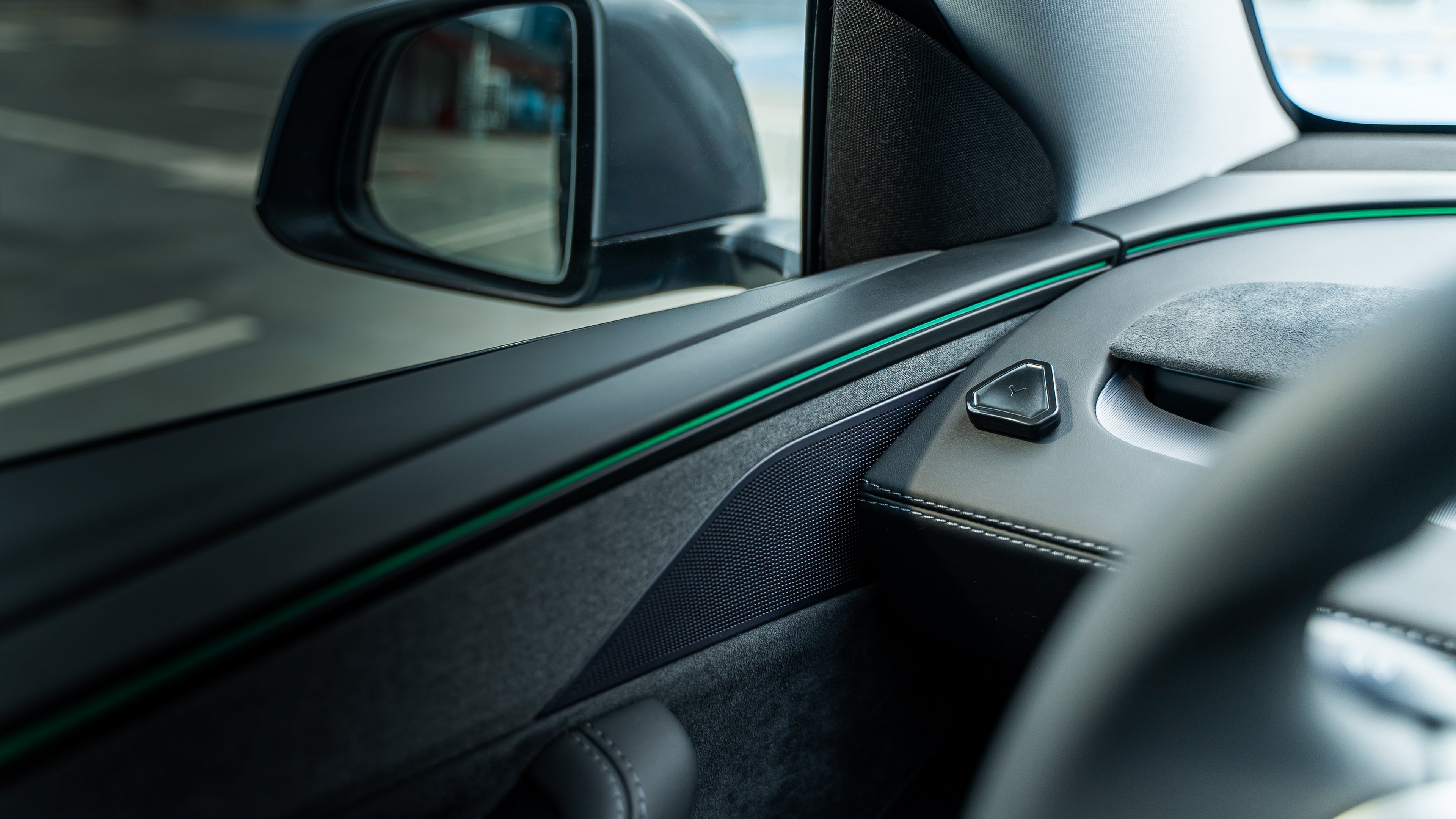
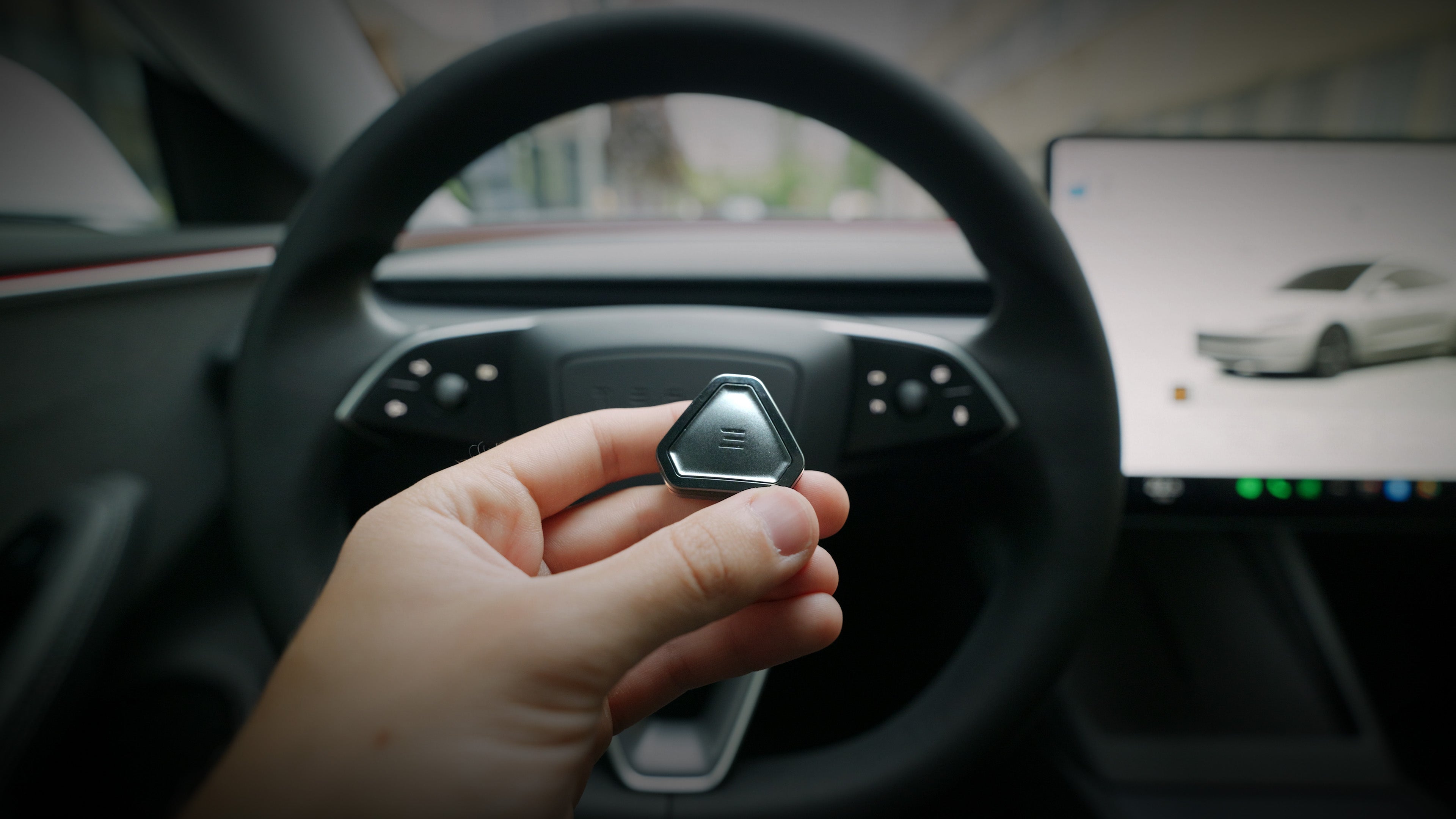
Available Anytime
Our Gen2 buttons execute actions 30% faster than the previous model, while still maintaining over 2 years of battery life.
Setup Ideas
Everyone has their own unique way of setting up the buttons, but here are a few ideas shared by our current users.


Add New Buttons

Set Quick Actions

Enable Smart Functions
Enjoy Stunning Dashboard

Installation Guide
Model 3 Highland Front Installation
- Installation for Model 3 Refreshed - Highland 2024
- Easy to hide the Commander at the right side pillar under the glovebox
- Use the same cable as Front Installation for Model 3/Y with AMD Ryzen

Model Y after June 2023 Driver's Foot-well Installation
- Installation for Model 3 Refreshed - Highland 2024
- Easy to hide the Commander at the right side pillar under the glovebox
- Use the same cable as Front Installation for Model 3/Y with AMD Ryzen

Model 3/Y 2018-2023 Standard [Rear] Installation
- Standard installation for most 3/Y models, except 2023 Model Y SR Austin Build
- Fast and easy installation at the back of the Central Console
- Not ideal for people that have other accessories connected at the same connector

Model 3/Y 2021+ Advanced [front] Installation
- For Model 3/Y with AMD Ryzen MCU
- Easy to hide the Commander at the right side pillar under the glovebox
- Ideal for people that have other accessories connected at the back of the Central Console

Model S/X 2021-2025 Front Installation
- For Model S/X Refreshed - PLAID and RAVEN
- Easy to hide the Commander under the main screen

Ongoing Issues
- Dash ↔ S3XY App Connection - The connection between the Dash and the S3XY app has been temporarily disabled.
- Dash AA Audio - We are currenly working on implementing a solution so your Audio output can go through the car, not the Dash, for all Android folks.
- Knob Control for Dash - The Knob cannot control the Dash at the moment.
This functionality is already on our roadmap. - Order Canceling - You don’t need to cancel your order to make changes. Our team can modify it for you. Canceling and placing a new order may delay your delivery time.
Contact Us
Please review the list of issues we are currently working on above. If your concern is already listed, there is no need to create a support ticket, as we are actively working on resolving it.